Built for Canadian buyers Prices and checkout available in CAD on the original store
Canadian professional working in a secure modern digital workplace

Professional diagramming

Turn complex systems and processes into diagrams people can act on.

Diagramming software for processes, networks, floor plans and professional visual communication. Designed for analysts, architects, operations teams and technical communicators.

01 · Compatibility

Start with the device.

Match the operating system, hardware and architecture before comparing editions.

02 · Licence scope

Choose the right rights.

Confirm the user, device, server or installation count covered by the selected option.

03 · Source checkout

Verify the final choice.

Review the exact option, current CAD pricing and fulfilment details on the original store.

Available selections

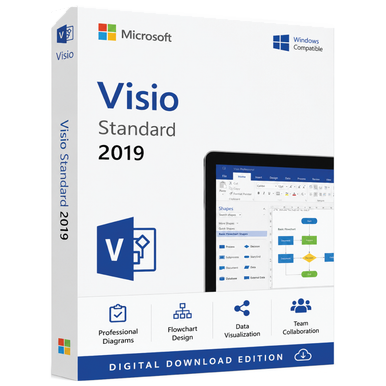
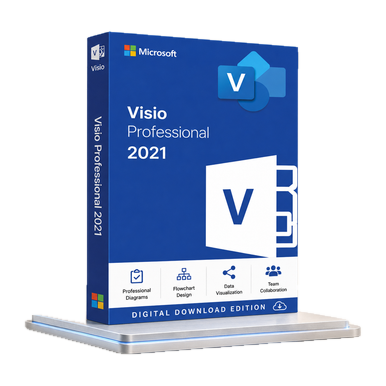
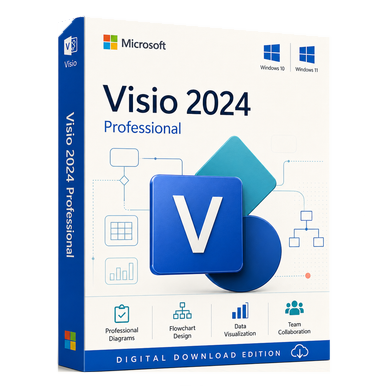
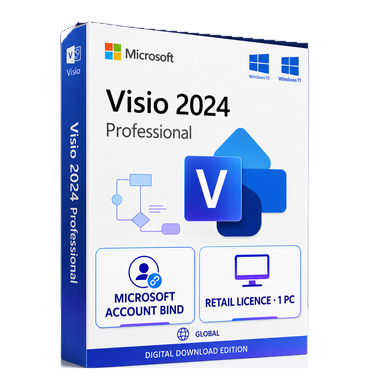
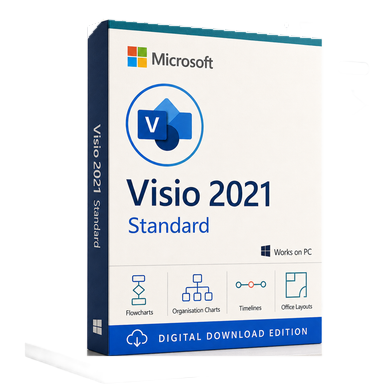
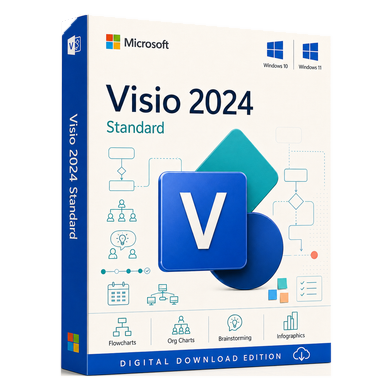
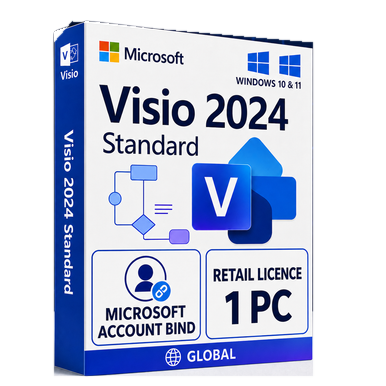
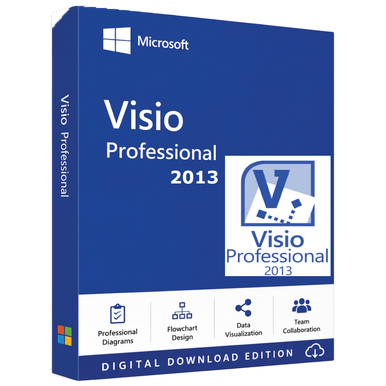
10 curated Microsoft Visio options

Visual product cards make edition, platform and delivery differences easier to scan before you open the full guide.

Why buyers consider Microsoft Visio

Clearer process, network and technical communication.

Turn complex systems and processes into diagrams people can act on. Use the catalogue to narrow the field, then verify the complete source terms before ordering.

Review source options
01

Give structured work a purpose-built visual tool

Assess how the product supports analysts, architects, operations teams and technical communicators.
02

Choose the edition around professional requirements

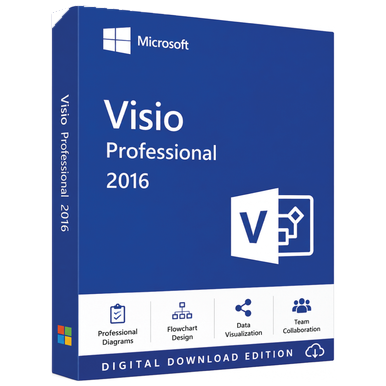
Use Standard or Professional edition, template needs and release as the comparison framework.

03

Keep release compatibility visible

Document compatibility and licence assumptions before checkout.

04

Compare adjacent editions before committing

Open the matching source page for current options and Canadian-dollar pricing.

Explore the range

Microsoft Visio categories and releases.

Category questions

Make the shortlist defensible.

Practical answers for comparing Microsoft Visio options before continuing to the seller.

How should I compare Microsoft Visio products?+

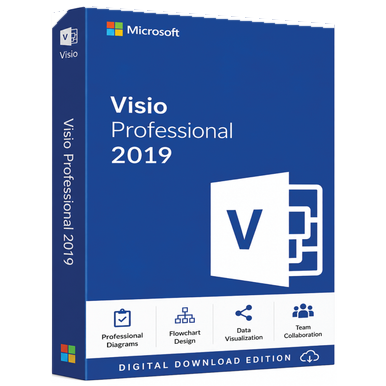
Begin with Standard or Professional edition, template needs and release. Then compare the specific rights, supported environment and fulfilment terms on each source listing.

Who is this Microsoft Visio catalogue intended for?+

The range is organized for analysts, architects, operations teams and technical communicators. Each guide highlights platform, licence model, compatibility and the corresponding source purchase path.
Are prices and availability shown on SoftwareMart.ca?+

No. Current Canadian-dollar pricing, availability, option selection, payment and fulfilment are handled on Software Mart Australia.

Can I get help before choosing?+

Yes. Use the contact page and include the product family, device or server environment, user or device count, and the outcome you need.

Need a second opinion?

Choose the right licence before you buy.

Tell the support team your device, operating system and intended use. They’ll help you find the closest match on the original store.

Ask for guidance